How to Verify a Redacted PDF Before Sharing
Sensitive information being hidden from view does not prove that it was removed from the PDF.
Check the final exported file you are actually going to send, store, or publish. Search for a known piece of sensitive information, try to retrieve it by selecting or copying from the hidden area, and use text extraction when you need a stronger check of the file's text content.
Metadata and other hidden information require separate checks. The steps below support specific conclusions about the file you tested. They do not guarantee that information is impossible to recover by every possible method.
Why visual covering is not enough
A PDF can look as if information has disappeared while the original text is still present in the file.
Guidance from the U.S. District Court for the Eastern District of California warns about methods that change only the document's appearance, such as making text white or placing a graphic or comment object over it. The underlying information can remain in the PDF.
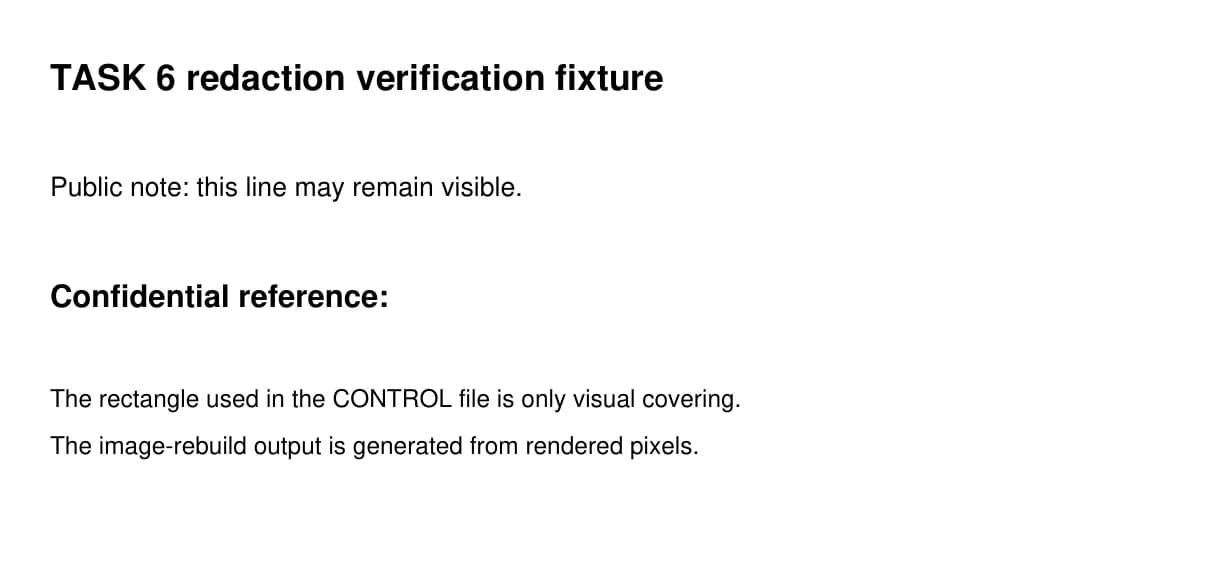
The rectangle's color is irrelevant. The check is whether the sensitive information is still present in the final file.
Check the final PDF
Use the file you actually downloaded or exported.
- Search for a known piece of sensitive information.
Choose a word, number, name, or other value that should have been removed. If your PDF viewer still finds it, the file has failed this check. - Try to select or copy the sensitive information from the hidden area.
If you can still retrieve it this way, the file has failed this check. - Close and reopen the downloaded PDF.
Repeat the search in the saved file. This checks the document you are actually going to send instead of an editor preview.
Use text extraction for a stronger check
Text extraction asks a more direct question than a normal viewer search: what text can a PDF text extractor actually read from the file?
In a deliberately unsafe control file, we visually covered a known sensitive value without removing it from the PDF's underlying text. The text extractor could still read the value.
Text extraction is useful when appearance and a normal viewer search do not give you enough confidence.
The measured comparison below uses that unsafe control and a tested file produced by the browser-based PDF Redactor.
Hidden information inside a PDF is a separate issue
Visible page content and hidden file information require different checks.
Adobe distinguishes redaction from sanitization. Redaction deals with visible text or graphics. Sanitization deals with hidden information such as metadata, comments, embedded content, scripts, and other non-visible data that may exist in a PDF.
A clean-looking page or a failed search for one sensitive value does not answer every hidden-data question.
In separate controlled security tests of the PDF Redactor, the tested source metadata and listed source PDF structures were not carried into the tested rebuilt file. That result applies only to the files and structures that were actually tested.
What the controlled test showed
The test used two files for different purposes.
Visual control
In the unsafe control file, a known sensitive value was covered visually while the original text remained inside the PDF.
Text extraction still returned that value.
Tested file from the PDF Redactor
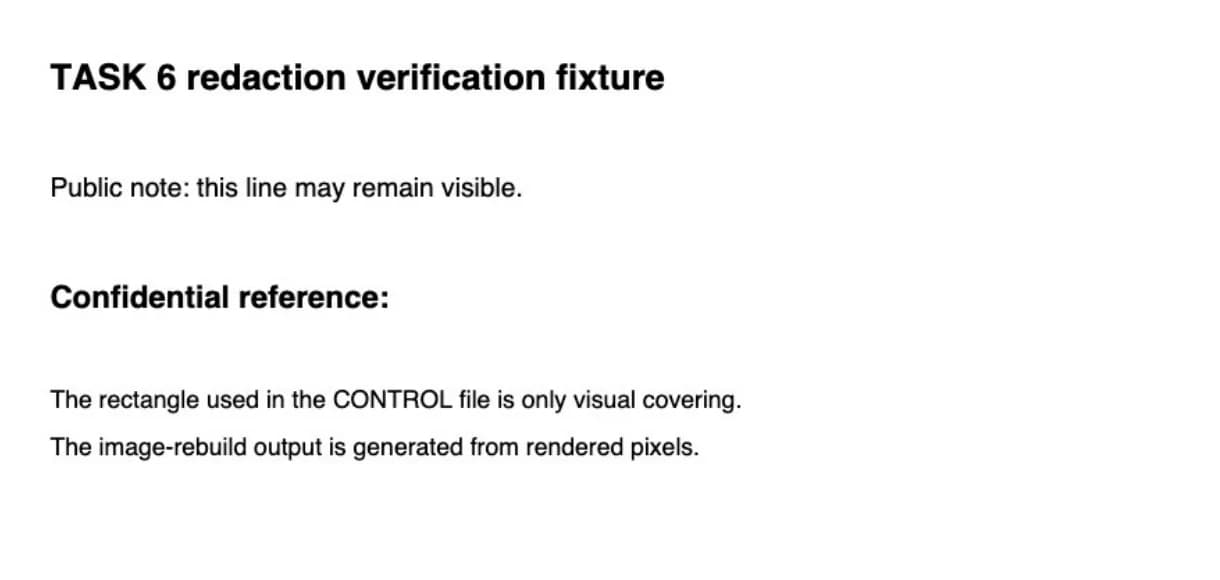
The same source test PDF was processed with the current Logrun Lab PDF Redactor. The tool renders the page, paints the selected area into the rendered pixels, and creates a new PDF from page images.
In the downloaded test file:
- searching for the known value in a PDF viewer showed 0 matches;
- after closing and reopening the same file, the search again showed 0 matches;
- a PDF text extraction test returned 0 characters and did not find the known value;
- two independent text-extraction checks also returned no source text.
| Check | Unsafe visual control | Tested PDF Redactor output |
|---|---|---|
| Known test value in extracted PDF text | Present | Not found |
| Text returned by tested extraction | Present | 0 characters |
The two files can look equally redacted while behaving very differently when you try to retrieve the original text.
What these checks prove
| A test result can support | It does not prove |
|---|---|
| A known value was not found by the tested PDF viewer search | That no information could ever be recovered by any method |
| Tested text extraction returned no source text | That every possible hidden structure in the PDF was examined |
| A controlled security test did not carry the tested source structures into the rebuilt file | That the document meets every legal, regulatory, or security requirement |
Only claim what the test actually showed.
If the PDF fails the check
If known sensitive information is still searchable, selectable, copyable, or extractable, do not rely on the document's appearance.
Redact the information again, export a new file, and verify that final file.
If you need to remove sensitive information from a PDF, use the Logrun Lab PDF Redactor.
The PDF Redactor lets you mark sensitive areas, apply the redaction, and export a new PDF built from page images.